STARTER
5 downloads10 Credits€9.90
Buy Now
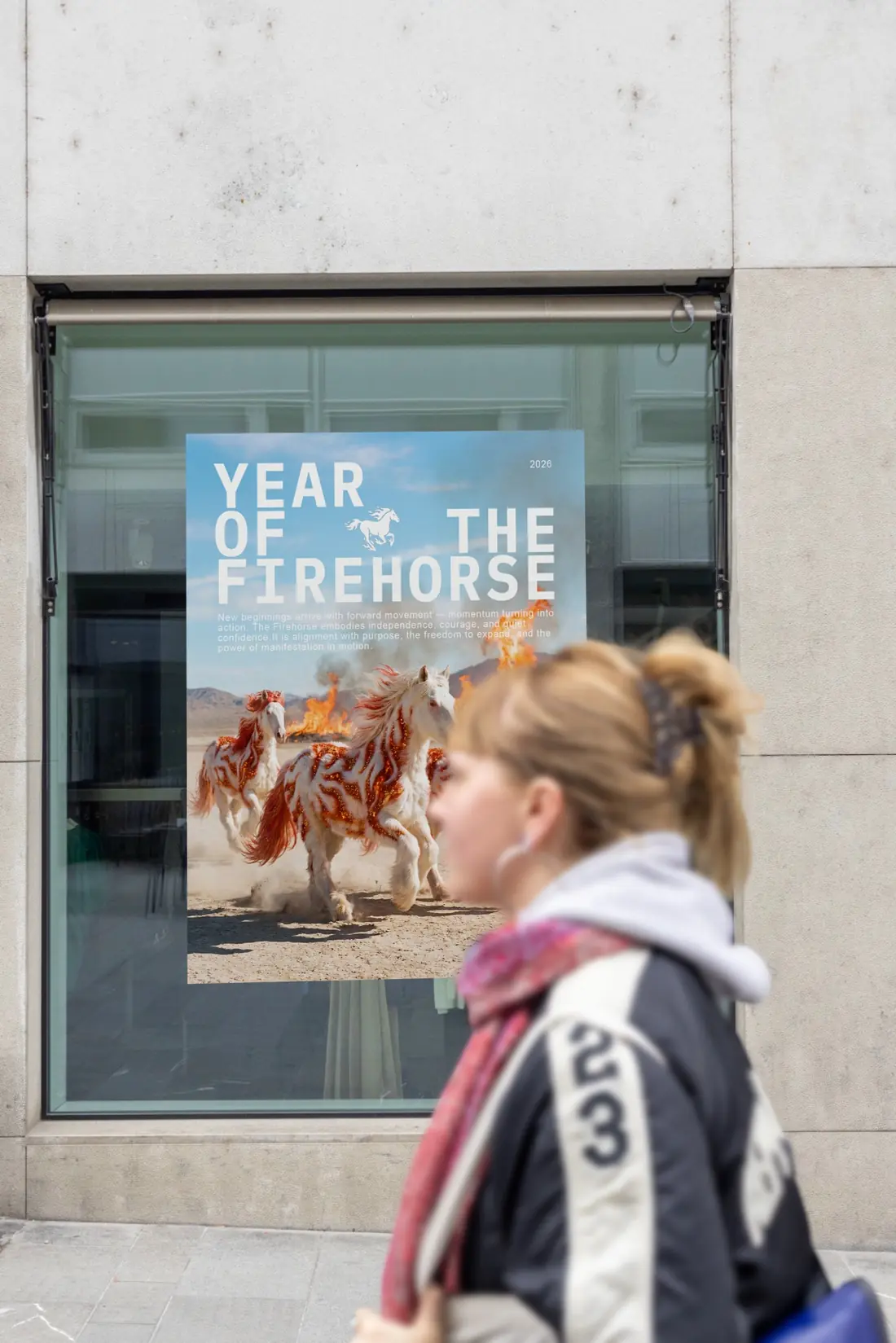
Upload a JPG, PNG or PDF, choose an urban poster or iPhone scene and download a high-resolution mockup. No Photoshop needed.
Artwork is transformed to fill the entire mockup surface — no white borders. PDF uploads use page 1 only.
Click an upload area to choose a JPG, PNG, or PDF.

The clean white mockup stays visible while your new preview is being rendered.
Buy credits once and use them whenever you need a mockup. Commercial usage is included with every paid download. Need the editable PSD? Browse the full Photoshop mockups →
This iPhone mockup places a vertical screen design on a modern black phone resting diagonally in two hands. Blue denim, warm skin tones, curly red hair and the surrounding concrete and wood textures create a natural editorial setting for apps, websites and mobile design.
Upload an app interface, responsive website, social campaign or complete iPhone screenshot as JPG, PNG or PDF. Standard iPhone screenshots remain fully visible, while other formats are proportionally cropped from the centre without stretching.
The original perspective, rounded display edge and Dynamic Island remain above the uploaded design. Download the finished composition in 3712 × 4608 pixel resolution as JPG or PNG without preparing a Photoshop smart object.
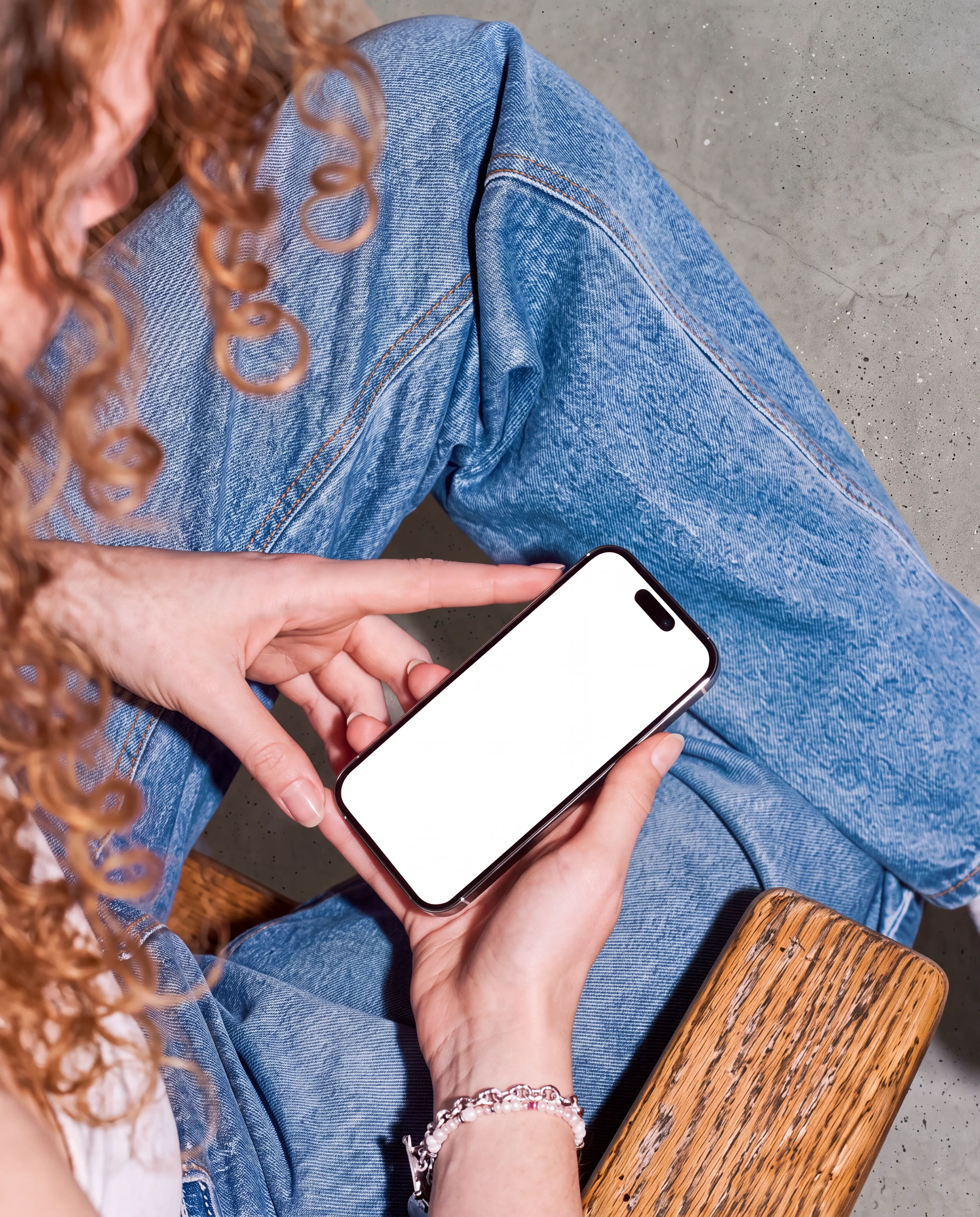
Same mockup scene. Your design is placed with realistic perspective, texture and foreground depth.