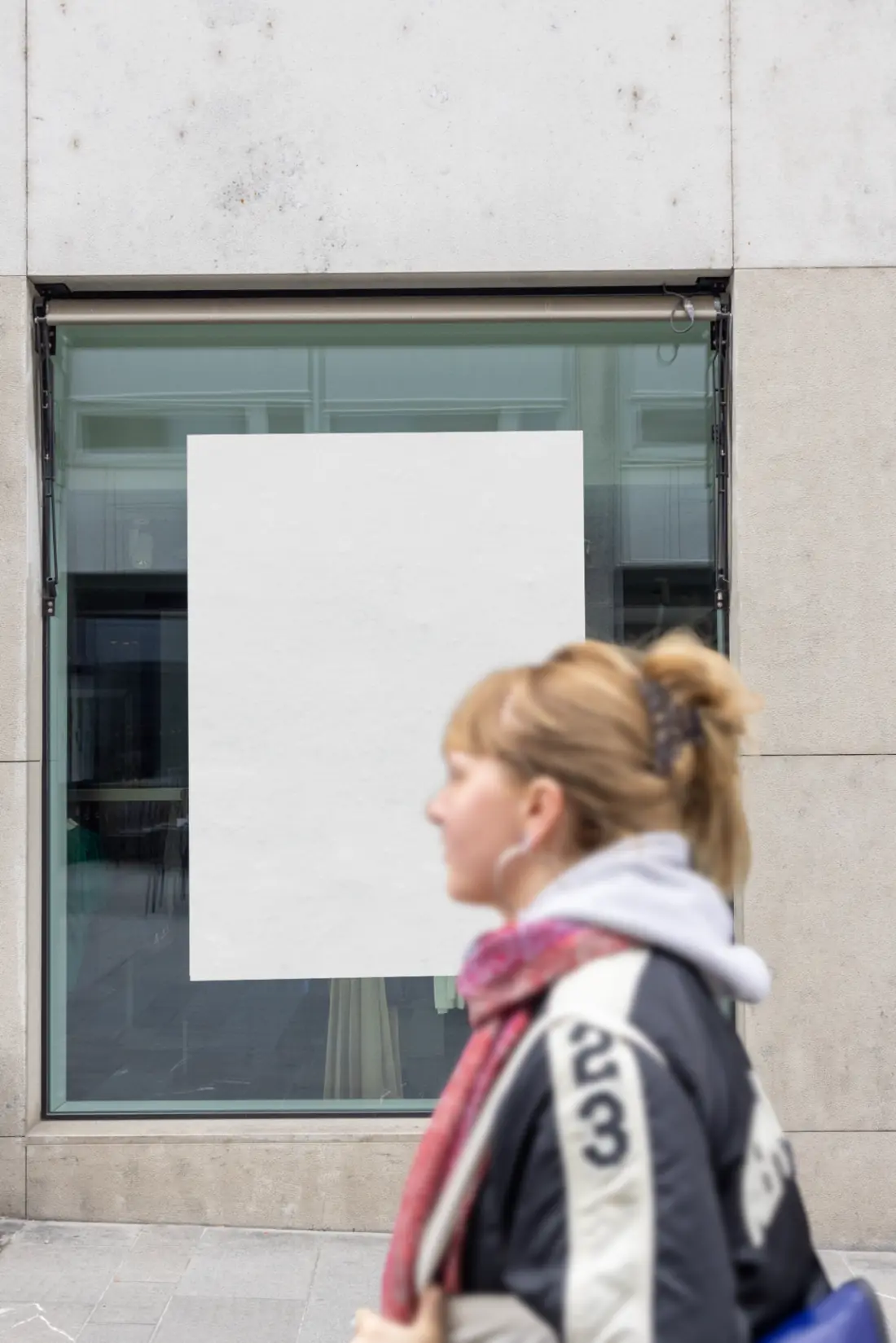
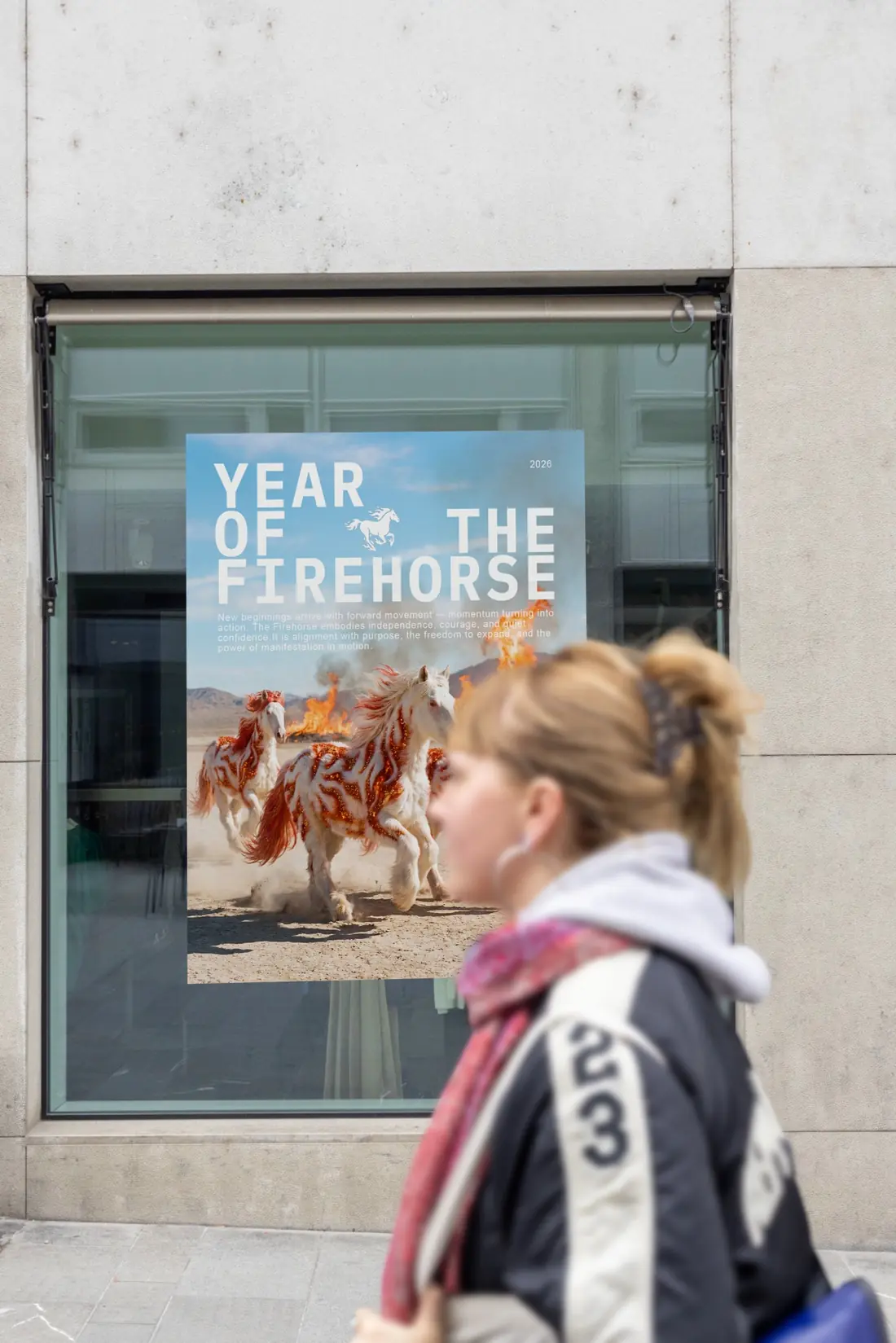
STARTER
5 downloads10 Credits€9.90
Buy Now
Upload your poster design and create realistic urban poster mockups directly in your browser — no Photoshop required.
Artwork is transformed to fill the entire mockup surface — no white borders. PDF uploads use page 1 only.
Click an upload area to choose a JPG, PNG, or PDF.

The clean white mockup stays visible while your new preview is being rendered.
Buy credits once and use them whenever you need a mockup. Commercial usage is included with every paid download. Need the editable PSD? Browse the full Photoshop mockups →
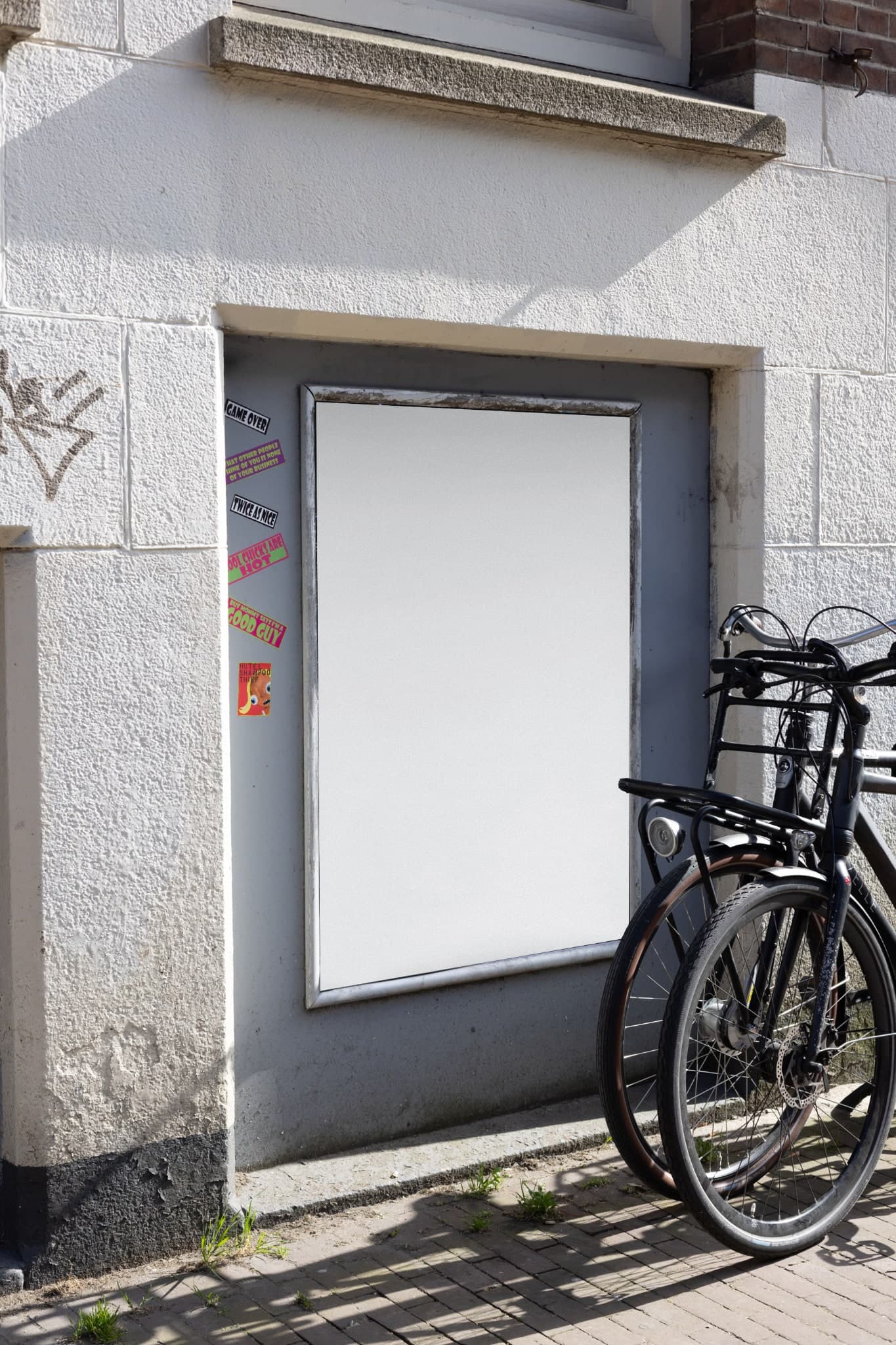
This Amsterdam city centre scene combines a single framed vertical poster with a bicycle crossing naturally in front. The photographed foreground creates depth and makes the result feel like a street photograph instead of a flat template.
The artwork is placed in perspective and the bicycle is restored above it, so important parts of the original scene remain believable. This makes the mockup useful for editorial posters, cultural campaigns, exhibitions and portfolio presentations.
You can upload a JPG, PNG or PDF directly in the browser and download the composed result as JPG or PNG. No Photoshop file or manual masking is needed.
A poster mockup is a realistic preview that places your flat design into a real photographed scene. Instead of sending a plain JPG, PDF or Canva export, you can show how the poster will look on a wall, window, utility box or other advertising surface—with natural perspective, texture, light and surroundings.
The June Mockups online poster mockup generator uses authentic street photography from Amsterdam, Basel, Hamburg and Hannover. Filter scenes with one, two, three or four poster surfaces, upload your artwork and create a high-resolution urban poster mockup directly in your browser.
Real-world context helps clients, customers and followers understand the scale, placement and impact of your poster before it is printed or published.
Use realistic poster mockups for portfolios, client presentations, social media, online shops, campaign previews and design approvals.
You do not need Photoshop or mockup experience. Upload a JPG, PNG or PDF—even an export from Canva— choose a scene and download the finished image.
Same mockup scene. Your design is placed with realistic perspective, texture and foreground depth.